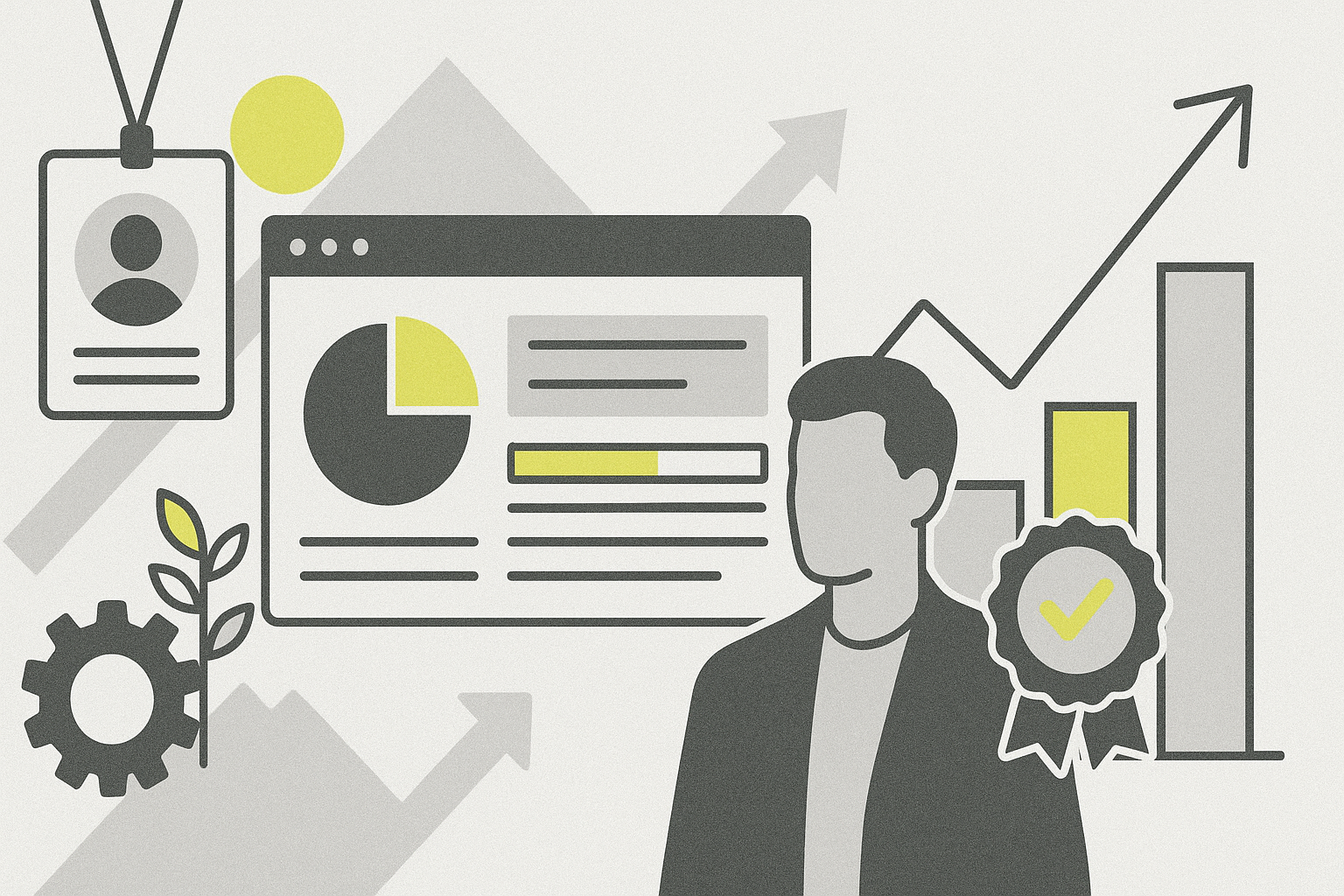
Effective dashboard metrics empower project teams by providing actionable insights without creating a culture of surveillance or mistrust among stakeholders and team members.
Balancing Insight and Trust with Project Dashboard Metrics
Project dashboards are invaluable tools for tracking progress, identifying risks, and aligning stakeholders. However, when metrics veer toward constant monitoring or micromanagement, they can erode trust and reduce team morale. The key is selecting and presenting dashboard metrics that help teams make decisions and improve workflows without feeling like surveillance.
Focus on Outcomes, Not Just Activity
One common pitfall is focusing dashboard metrics on raw activity data-such as hours logged or number of emails sent-rather than on meaningful outcomes. For example, instead of tracking how many times a developer commits code each day, track the completion of defined user stories or features that align with project goals.
Concrete example: A software development team uses a dashboard metric for “Feature Completion Rate” instead of “Commits per Day.” This outcome-oriented metric encourages focus on delivering value rather than just activity volume.
Use Leading and Lagging Indicators
Effective dashboards balance leading indicators, which predict future performance, with lagging indicators that reflect past results. Lagging indicators like completed milestones or budget spent provide a snapshot of what has happened. Leading indicators such as task backlog health or risk mitigation progress help teams anticipate and address issues early.
For instance, a construction project dashboard might show the percentage of safety inspections completed (leading) alongside the number of incidents reported last month (lagging). This helps project managers proactively improve safety.
Prioritize Metrics That Drive Collaboration
Metrics should encourage collaboration rather than competition or blame. For example, tracking “Cross-Functional Issue Resolution Time” highlights how quickly teams work together to solve problems. This kind of metric promotes transparency and joint ownership.
Avoid metrics that single out individuals for underperformance publicly. Instead, focus on team-level data that supports collective improvement.
Keep Dashboards Simple and Tailored
Overly complex dashboards with dozens of metrics can overwhelm users and dilute focus. Tailor dashboards to the audience: executives may want high-level progress summaries, while team leads need detailed workflow statuses.
Example: A marketing project dashboard might have an executive view showing campaign completion percentage and budget utilization, while the team view includes task assignments, deadline adherence, and client feedback scores.
Use Visuals to Communicate Clearly
Charts, progress bars, and color-coded indicators help users quickly interpret data. For example, a RAG (Red, Amber, Green) status indicator can show at a glance if a task is on track or needs attention.
However, avoid visual elements that might feel punitive, such as red flags on individual performance, which can create anxiety or mistrust.
Protect Privacy and Respect Boundaries
Transparency is important, but so is respecting privacy. Avoid metrics that monitor personal behavior, such as time spent on specific applications or keystroke counts, unless explicitly agreed upon and relevant.
Instead, focus on project-related data and aggregate information. For example, tracking overall team velocity in agile sprints respects individual privacy while providing useful insights.
Integrate Feedback Loops
Dashboards should evolve based on team feedback. Regularly review which metrics are valuable and which feel intrusive or unhelpful. Encourage open conversations about how data is collected and used.
A practical approach is to hold monthly retrospectives focused on dashboard effectiveness, allowing teams to suggest changes or removals of certain metrics.
Practical Example: Implementing a Balanced Dashboard
Imagine a product development team adopting a new dashboard with these metrics:
- Sprint goal completion percentage (lagging outcome)
- Number of unresolved blockers (leading indicator)
- Average cycle time for feature deployment (process efficiency)
- Team satisfaction score from a weekly pulse survey (collaboration and morale)
This mix provides actionable insights without tracking individual keystrokes or hours logged. Team members feel supported rather than watched.
Avoid Common Surveillance Traps
Metrics like “time spent logged in” or “number of emails sent” can feel intrusive and rarely correlate directly with productivity. Micromanagement through dashboards can lead to gaming the system or burnout.
Instead, focus on metrics that empower autonomy and continuous improvement. For example, tracking progress toward milestones combined with risk flags allows teams to self-correct.
Conclusion
Project dashboards are powerful tools when designed to support transparency, collaboration, and informed decision-making. By focusing on outcome-oriented, team-level, and actionable metrics, project managers can avoid turning dashboards into surveillance instruments that undermine trust.
Regularly updating dashboards based on team feedback and respecting privacy boundaries helps maintain a healthy balance. Ultimately, metrics should help teams work smarter, not feel watched.
By thoughtfully selecting and presenting dashboard metrics, project leaders can foster a culture of accountability and empowerment that drives project success.