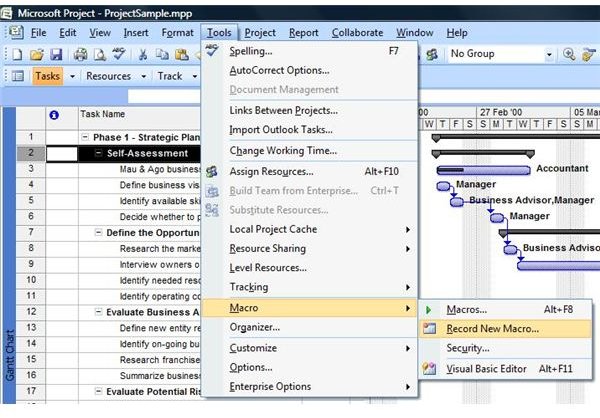
Using Macros in Microsoft Project
Macros are great tools that can be used to automate repetitive tasks. In this guide, we’ll take a look at how to create and run a macro in …
Continue ReadingShowing guides and explainers filed under Project Management Software Reviews, Tips, & Tutorials.
Macros are great tools that can be used to automate repetitive tasks. In this guide, we’ll take a look at how to create and run a macro in …
Continue Reading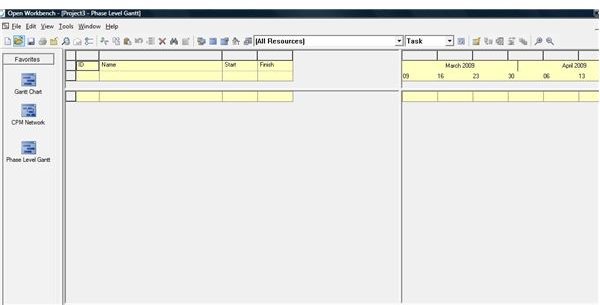
This article lists software applications capable of performing the same functions as MS Project. It then gives a brief explanation for each of the …
Continue Reading
Today, online or virtual meetings replace the traditional face-to-face meeting. These meetings take place via electronic channels. Just a couple of …
Continue Reading
If you want issue tracking and bug tracking tools always at your fingertips when you are executing a project, Lighthouse is worth checking out. Read …
Continue Reading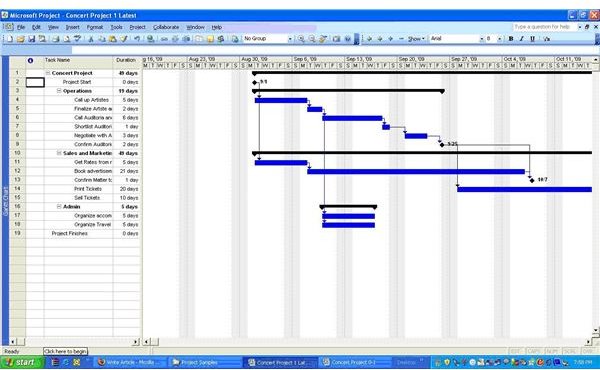
You will find innumerable books and articles out there on Resource Management. Most of them deal with the complexities of the topic, and it takes a …
Continue Reading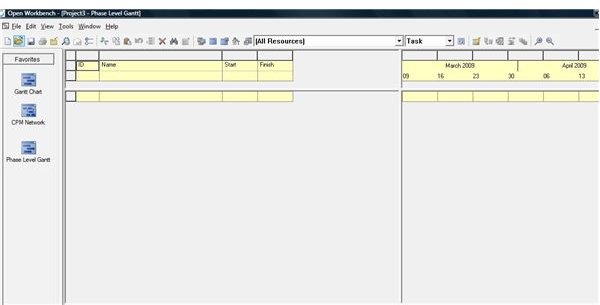
Open Workbench is often described as a free alternative to MS Project. In this article, the similarities and differences of the two applications are …
Continue Reading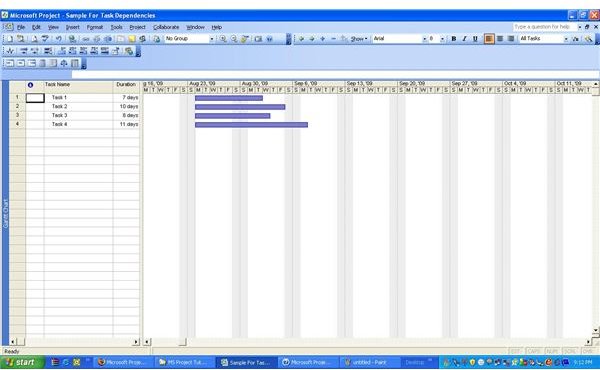
In this lesson we will discuss the different types of task dependencies and learn how to define them in Microsoft Project. This is a continuation of …
Continue Reading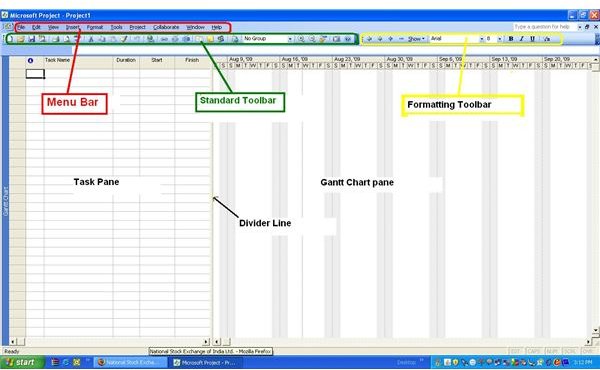
In this tutorial, we will learn how to navigate through Microsoft Project screens and functionalities. We will discuss the initial screen layout, …
Continue Reading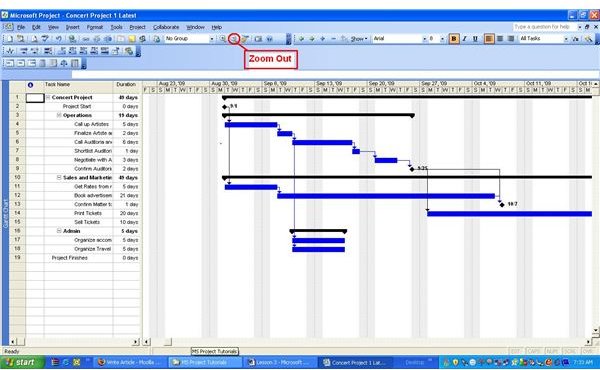
This lesson covers some more details about toolbars and icons in Microsoft Project. We will also discuss a few useful tips and tricks for performing …
Continue Reading
This tutorial deals with tasks in Microsoft Project software. Questions such as how to insert a new task, how to modify an existing task, how to …
Continue Reading