
How to Use Lead Time in Project 2007
A step-by-step article for using lag and lead time in a Microsoft Project 2007 file.
Continue ReadingShowing guides and explainers filed under Project Management Software Reviews, Tips, & Tutorials.
A step-by-step article for using lag and lead time in a Microsoft Project 2007 file.
Continue Reading
Microsoft Project has a great feature that lets you see the critical path in the Gantt Chart view, making it much easier to spot potential bottlenecks …
Continue Reading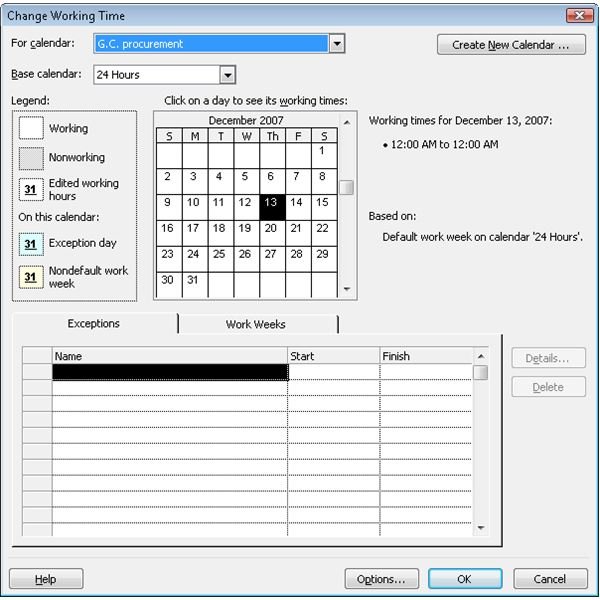
A step-by-step guide to creating resource calendars in Microsoft Project 2007.
Continue Reading
A step-by-step guide to using baselines in a Microsoft Office Project 2007 file.
Continue Reading
A step-by-step article for using lag and lead time in a Microsoft Project 2007 file.
Continue Reading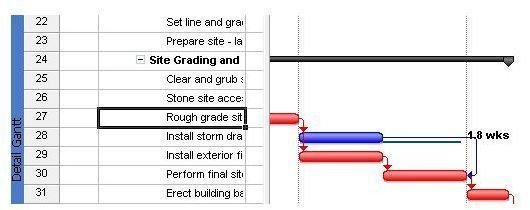
A step-by-step guide to using Slack in your Microsoft Office Project files.
Continue Reading
A step-by-step guide to working with effort-driven scheduling in Microsoft Project 2007.
Continue Reading
Gantt Charts, Outlook Calendars, Task Lists, Blackberry’s, PDA’s; all of these enable the Project Manager to utilize time to the fullest. You can …
Continue Reading
It is important to remember that you are not limited to computer task lists. Before computers were an integral part of the office environment, we …
Continue Reading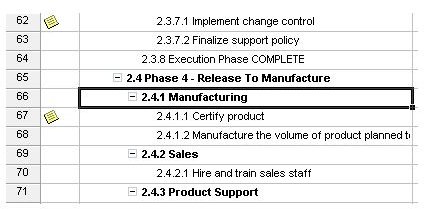
When creating a work breakdown structure in Project 2007, you can choose to use the default numbering scheme or customize with your own numbering …
Continue Reading